
Microsoft Copilot Studio
Microsoft's low-code platform for building, customizing, and governing AI agents that plug into Microsoft 365 apps, organizational data, and thousands of external connectors.
Visit website (opens in a new tab)Independent editorial listing. Features, pricing, and privacy terms can change; confirm details on the vendor site before buying or rolling out a tool.
What it does
Microsoft Copilot Studio is a low-code platform for building AI agents that live inside the Microsoft 365 apps an organization already uses — Teams, SharePoint, Copilot Chat — and can be grounded in company data through a connector library of more than 1,400 systems plus Model Context Protocol support. Agents can be built by business users through natural language or a graphical interface, or by developers who need finer control, and range from simple conversational Q&A bots to more autonomous agents that manage multi-step tasks with less supervision.
What sets it apart from a general-purpose agent platform is the governance layer built for enterprises running many agents at once: the Power Platform admin center handles lifecycle management, analytics, auditing, and security policy across an organization’s entire agent portfolio, rather than treating each agent as a one-off. That governance strength comes paired with a real dependency — most of Copilot Studio’s value assumes an organization is already committed to Microsoft 365, and its consumption-based Copilot Credit pricing takes some modeling to predict at scale.
Ideal users
- Organizations already standardized on Microsoft 365 that want agents embedded in Teams, SharePoint, and Copilot Chat
- Business users and IT teams who want to build agents with natural language or a graphical interface rather than code
- Enterprises needing centralized governance, lifecycle management, and auditing of many agents across departments
- Teams that want to connect agents to both Microsoft data and 1,400+ external systems via connectors and MCP servers
Who should avoid it
- Your organization isn't on Microsoft 365 — much of the value comes from deep M365 integration
- You want a single, ready-to-use general-purpose agent rather than a builder for creating many custom ones
- You need a lightweight personal tool rather than an enterprise governance platform
- Predictable low cost matters to you — pricing is credit-based and can scale quickly with agent usage
Key features
- Build agents via natural language or a graphical, low-code interface
- A 'Work IQ' layer for grounding agents in organizational data and context
- 1,400+ connectors plus Model Context Protocol (MCP) server support
- An Agent Store with pre-built agents and templates
- Deployment to Teams, SharePoint, Copilot Chat, websites, and social channels
- Centralized governance via the Power Platform admin center: lifecycle control, analytics, audit, and security policies
- Both conversational agents (Q&A, simple workflow automation) and more autonomous agents for independent task execution
Pros / Cons
Pros
- Deep, native integration with Microsoft 365 apps most enterprises already use daily
- Strong governance and admin tooling for managing many agents across an organization
- Large connector ecosystem plus MCP support reduces custom integration work
- Included at no extra cost for licensed Microsoft 365 Copilot users building internal-use agents
Cons
- Full value depends on already being deep in the Microsoft ecosystem
- Credit-based consumption pricing for agent usage can be hard to predict at scale
- Less suited to individuals or small teams outside the Microsoft 365 environment
- Building genuinely autonomous, not just conversational, agents still requires real configuration effort
Pricing
Paid — Included with Microsoft 365 Copilot ($30/user/month); standalone pay-as-you-go at $0.01/Copilot Credit or $200/month per 25,000-credit pack
Copilot Studio access is bundled into Microsoft 365 Copilot licensing ($30/user/month, paid yearly) for building and running internal-only agents at no extra cost. Publishing agents externally (to websites, apps, social channels, or non-licensed users) requires standalone Copilot Studio, billed via Copilot Credits: pay-as-you-go with no upfront commitment, prepaid Commit Units (up to 20% savings), or capacity packs at $200/month per 25,000 credits.
Typical workflows
- An IT team builds an internal HR-questions agent using Copilot Studio's low-code builder, grounds it in SharePoint policy documents, and deploys it inside Microsoft Teams.
- A business analyst without coding experience uses natural language to describe a workflow agent that pulls data from a connected system and drafts a report, without involving a developer.
Integrations
- Microsoft Teams, SharePoint, Copilot Chat
- 1,400+ external connectors
- Model Context Protocol (MCP) servers
- Power Platform (Power Automate, Power Apps)
Privacy & security notes
Copilot Studio agents run within Microsoft's multitenant architecture with logical tenant isolation enforced through Microsoft Entra authentication and role-based access control. Admins can configure data loss prevention policies and Customer Lockbox in the Power Platform admin center to govern what data agents can access, and full compliance and certification details are published in the Microsoft Trust Center.
Frequently asked questions
Do I need a Microsoft 365 Copilot license to use Copilot Studio?
Internal-use agent building is included for licensed Microsoft 365 Copilot users at no extra cost. Publishing agents externally, to non-licensed users, or through channels like public websites requires standalone Copilot Studio, billed through Copilot Credits.
Can Copilot Studio build fully autonomous agents, not just chatbots?
Yes — Microsoft describes both conversational agents that answer questions and automate simple workflows, and more autonomous agents that can manage tasks independently, though the amount of configuration needed varies by use case.
How is this different from Copilot Studio's older chatbot-building roots?
Copilot Studio began as a conversational bot builder (formerly Power Virtual Agents) and has expanded into a broader low-code agent platform with autonomous task capabilities, connector access, and governance tooling.
Is this the right choice for a non-Microsoft shop?
Not usually — most of its value comes from deep integration with Microsoft 365 data and apps, so organizations outside that ecosystem may get more value from a platform-agnostic option.
Best alternatives
Salesforce Agentforce
PaidSalesforce's autonomous AI agent layer built into the Salesforce platform, used to handle customer service conversations, sales tasks, and other CRM-embedded work with limited human supervision.
Google Gemini Enterprise
PaidGoogle Cloud's enterprise agent platform (formerly Agentspace) — a company-branded search and assistant layer plus a no-code builder for agents grounded in an organization's own data and connected apps.
Related tutorials
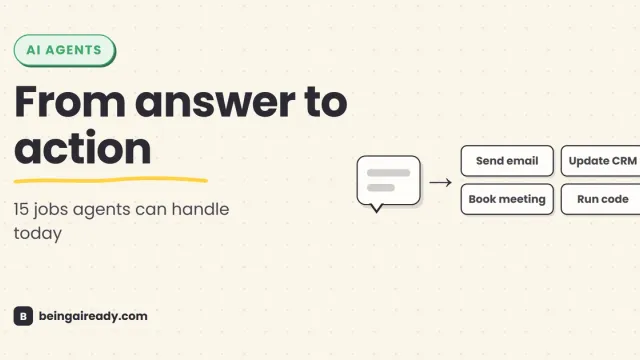
What Can AI Agents Actually Do? 15 Real Examples by Use Case
See what AI agents can do today through 15 real examples across support, sales, research, finance, legal, HR, coding, IT, and security.
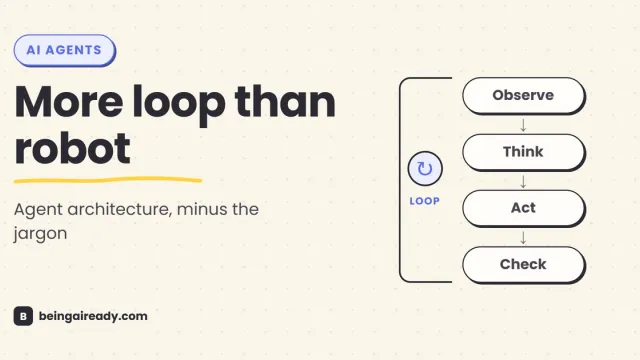
How Do AI Agents Actually Work? Architecture in Plain English
A plain-English guide to AI agent architecture: models, tools, memory, orchestration loops, guardrails, and what happens when an agent takes action.
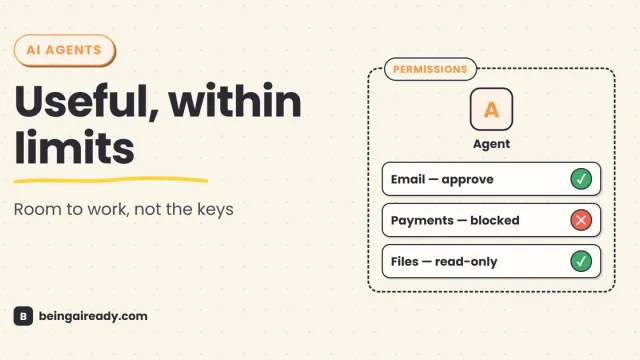
Are AI Agents Safe? Risks, Limits & How to Use Them Responsibly
AI agents can act, not just answer. A practical guide to their real risks, current limits, and the controls that make them safer to use.
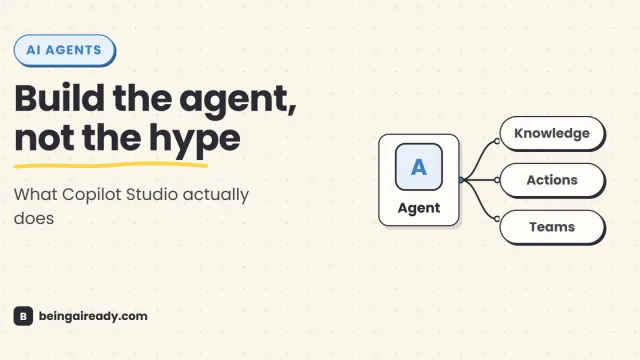
Microsoft Copilot Studio Explained: What It Is & How to Use It
A practical guide to Microsoft Copilot Studio: what it does, how agents work, a step-by-step build, pricing, security, and when to use something simpler.
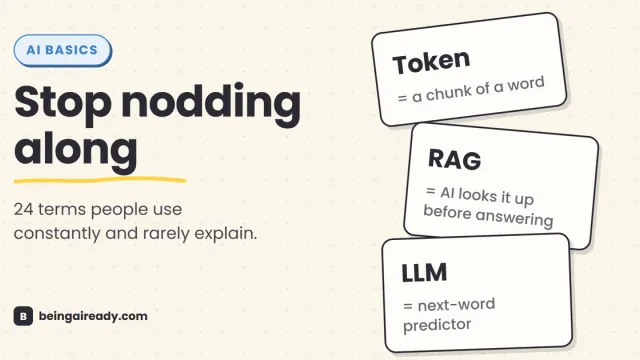
AI Terms Explained: A Plain-English Glossary of 24 Words
The 24 AI terms everyone uses but nobody defines — LLM, tokens, RAG, agents and more — explained in plain English, with analogies that actually stick.